01 / INSTRUMENT
NEMO 808
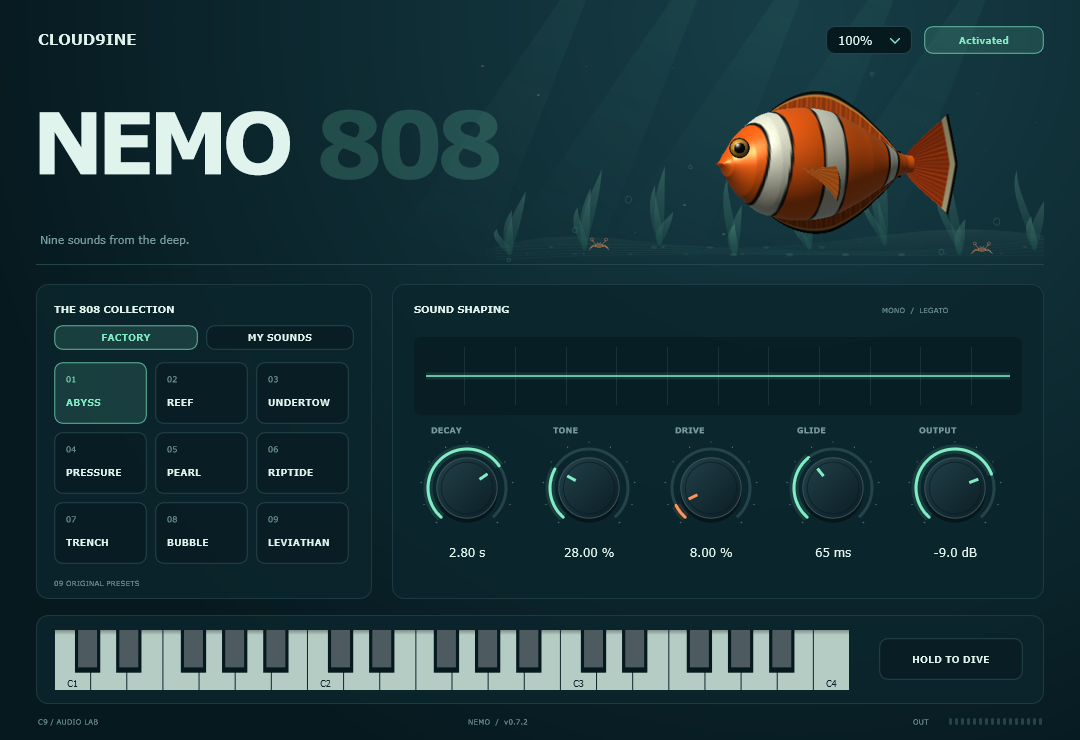
Nine original 808 presets. Your own WAV and MP3 soundbank. Decay, Tone, Drive and Glide.
My Sounds · Root Tune · Glide
SOUND BELOW THE SURFACE
808s, effects & NEMOTION
Windows: VST3 + standalone · macOS: VST3 + AU + standalone
Activate once. Use your entire licensed collection.
Windows: close your DAW, run NEMO-Setup.exe and follow the wizard. Updates replace the existing installation. Your own presets and license are kept. No extracting or copying needed.
macOS: extract the ZIP. Copy VST3 to ~/Library/Audio/Plug-Ins/VST3 and AU to ~/Library/Audio/Plug-Ins/Components. Standalone apps are also included.
Mac test build: Apple Silicon + Intel, macOS 11 or later. Not yet notarized by Apple; macOS may prevent it from opening.
Open Activate in one plugin and enter your email and license key. All included plugins unlock for this user. Downloading alone does not grant a license.
TEN PLUGINS. ONE COLLECTION.
01 / INSTRUMENT
Nine original 808 presets. Your own WAV and MP3 soundbank. Decay, Tone, Drive and Glide.
My Sounds · Root Tune · Glide
02 / EFFECT
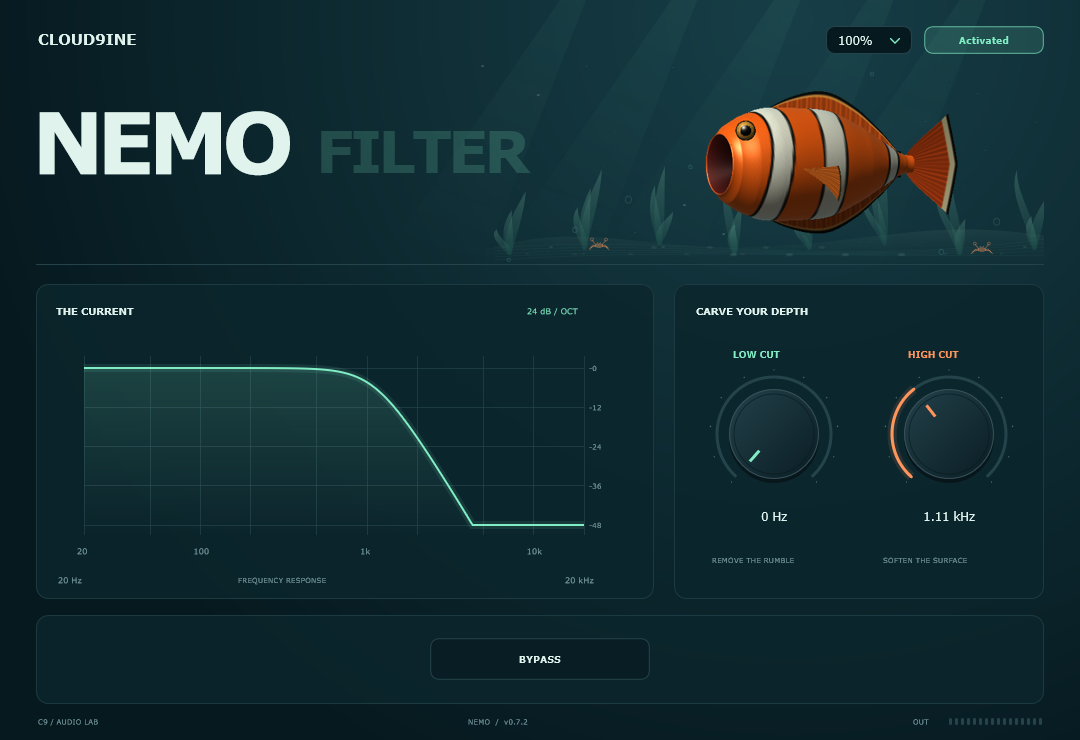
Low Cut and High Cut at 24 dB per octave. From wide open to deep underwater.
Low Cut · High Cut · Bypass
03 / EFFECT
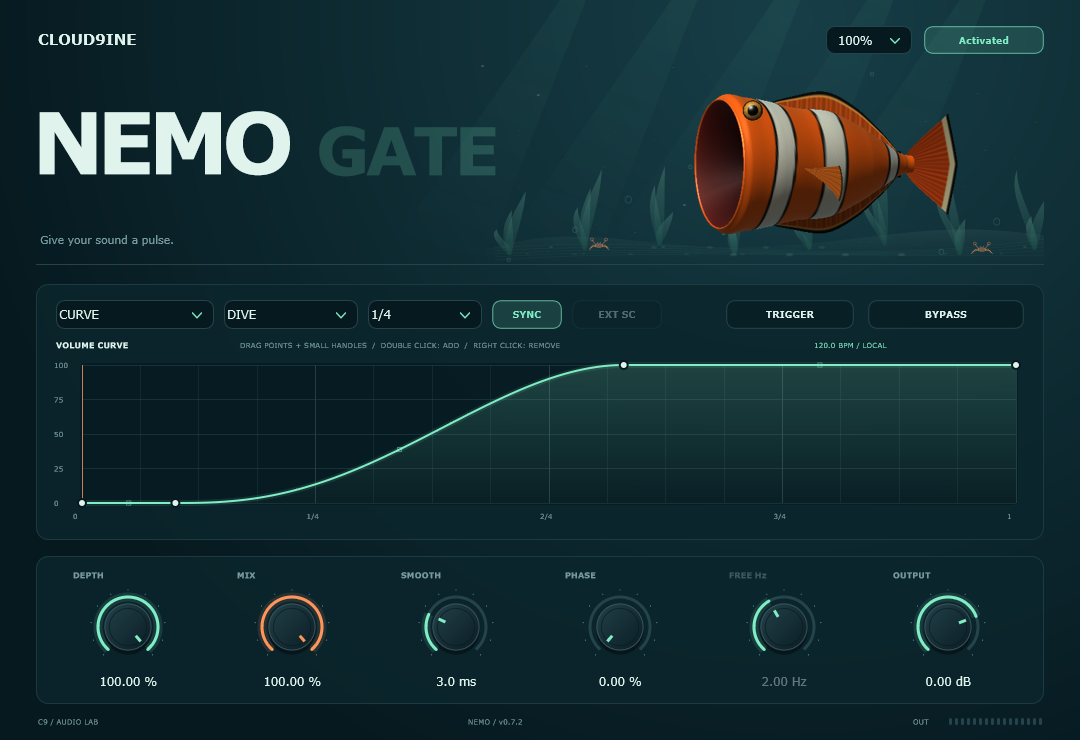
Custom volume curves, sidechain ducking and noise gate. In sync or triggered manually.
Curve · Duck · Noise Gate
04 / SPACE
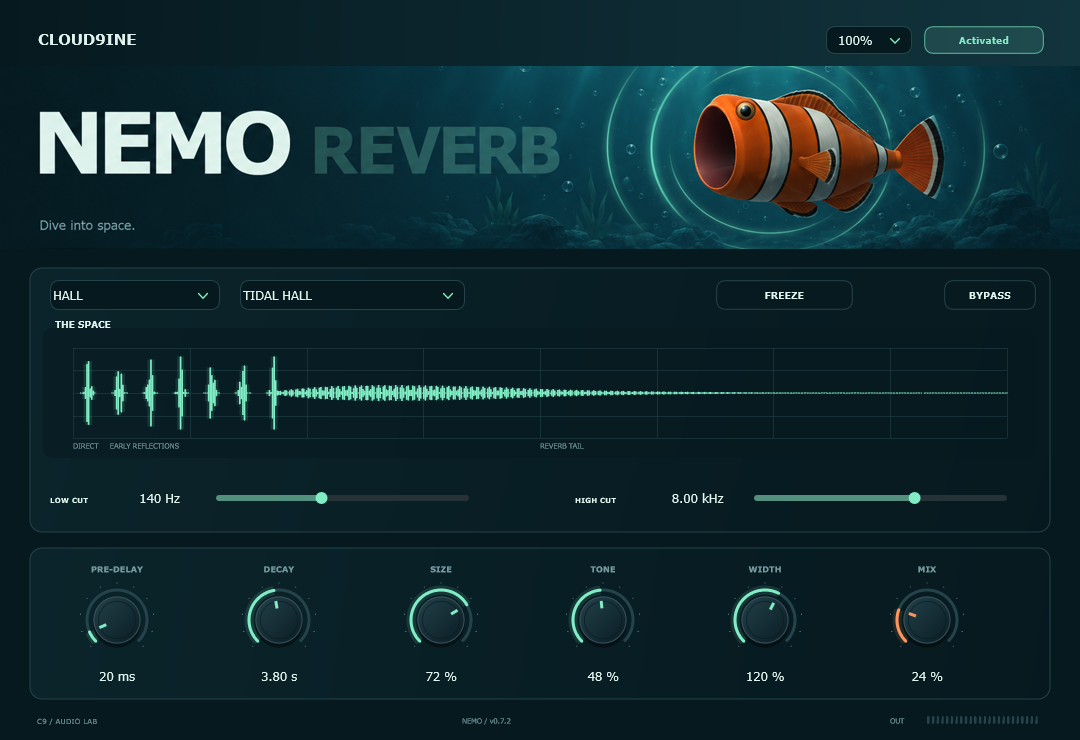
From intimate rooms to floating reverberant textures: Hall, Room, Plate and Cloud with pre-delay, tone filters and Freeze.
Hall · Room · Plate · Cloud
05 / TIME
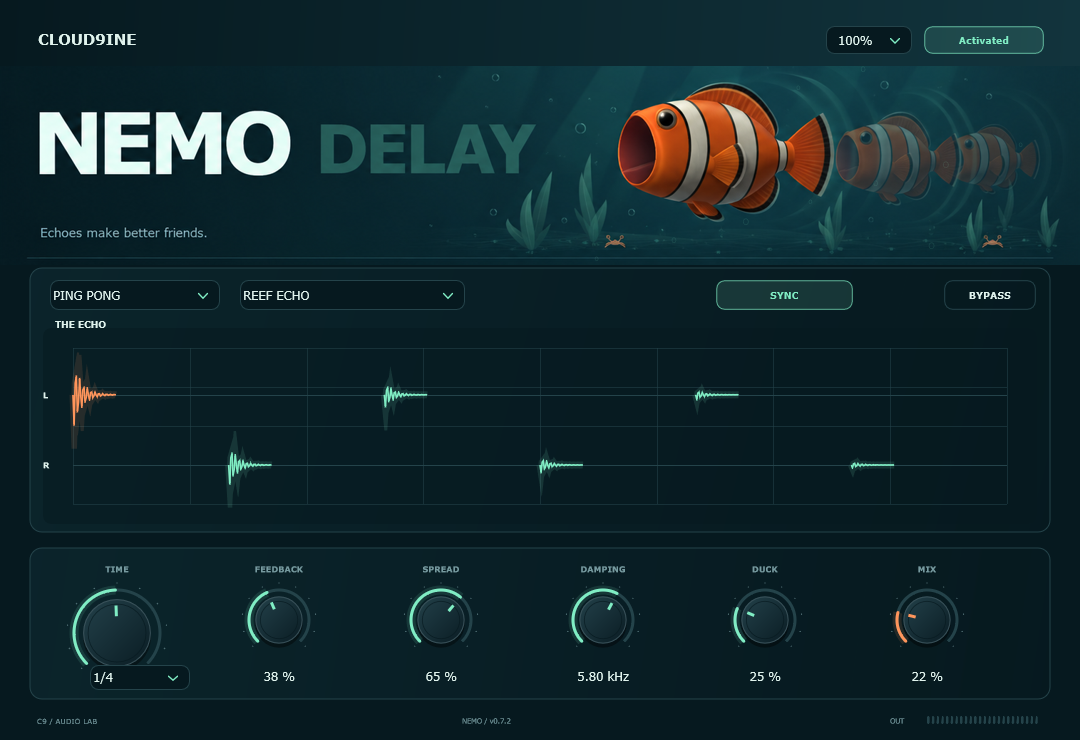
Echoes synced to your song or set freely in milliseconds. Ping-pong, stereo and tape with filtered feedback and ducking.
Sync · Ping-Pong · Tape
06 / MOTION
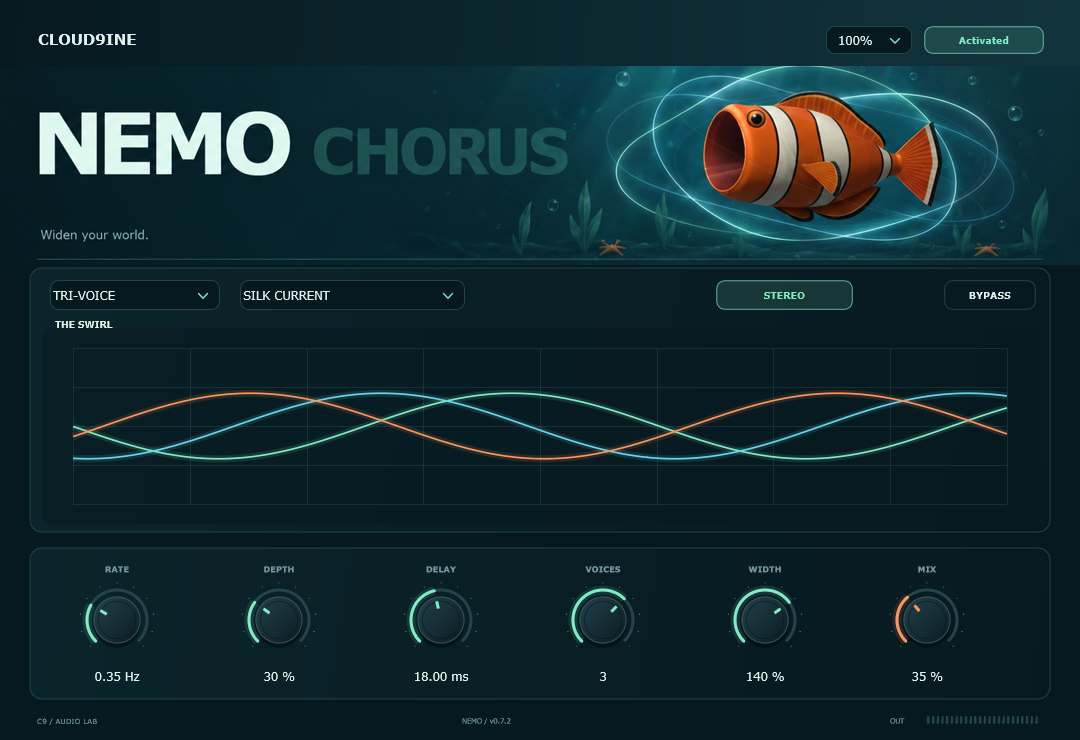
Add width, gentle movement or pronounced vibrato. Up to four modulated voices with adjustable depth and stereo width.
Chorus · Ensemble · Vibrato
07 / TONE
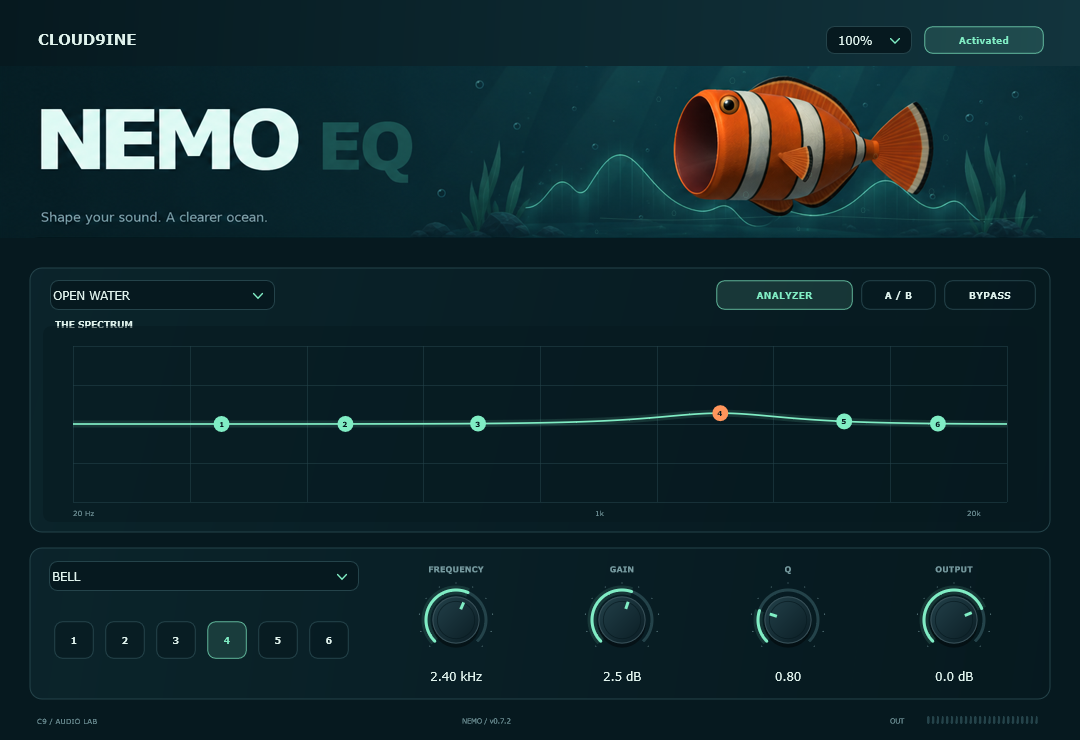
Six bands to shape your sound. Adjust bells, shelves and cut filters directly on the curve and compare with A/B.
6 Bands · Analyzer · A/B
08 / DYNAMICS
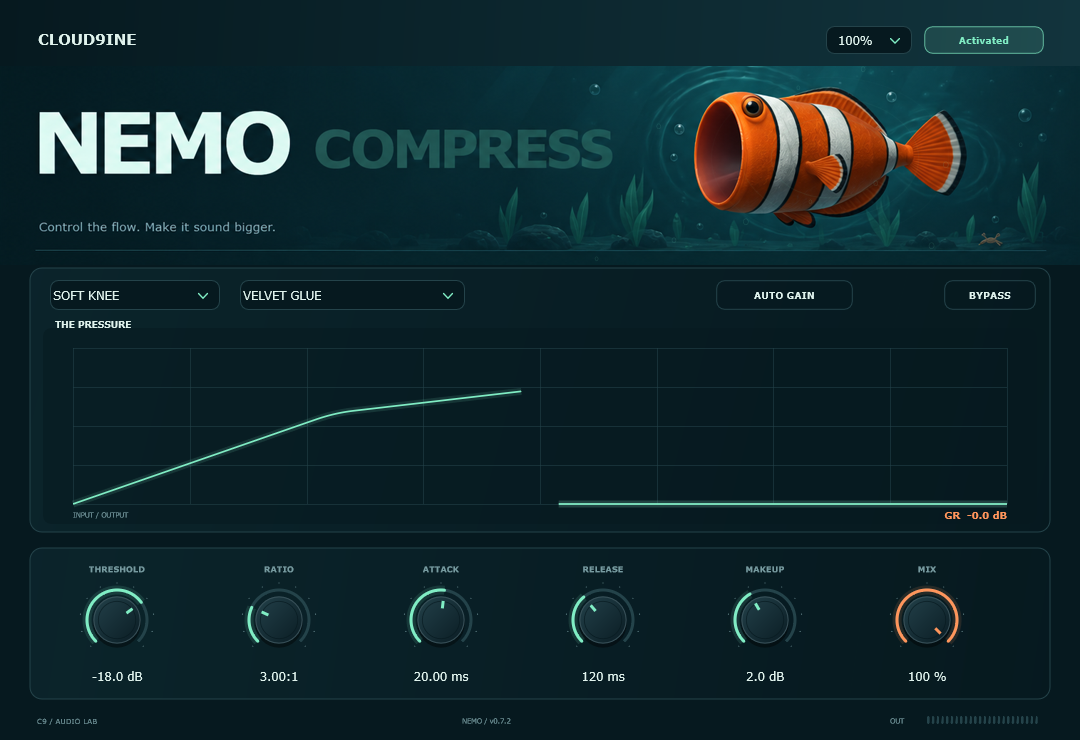
Transparent control or audible punch. Stereo compression with attack, release, soft/hard knee and parallel mix.
Threshold · Ratio · Auto Gain
09 / DYNAMICS
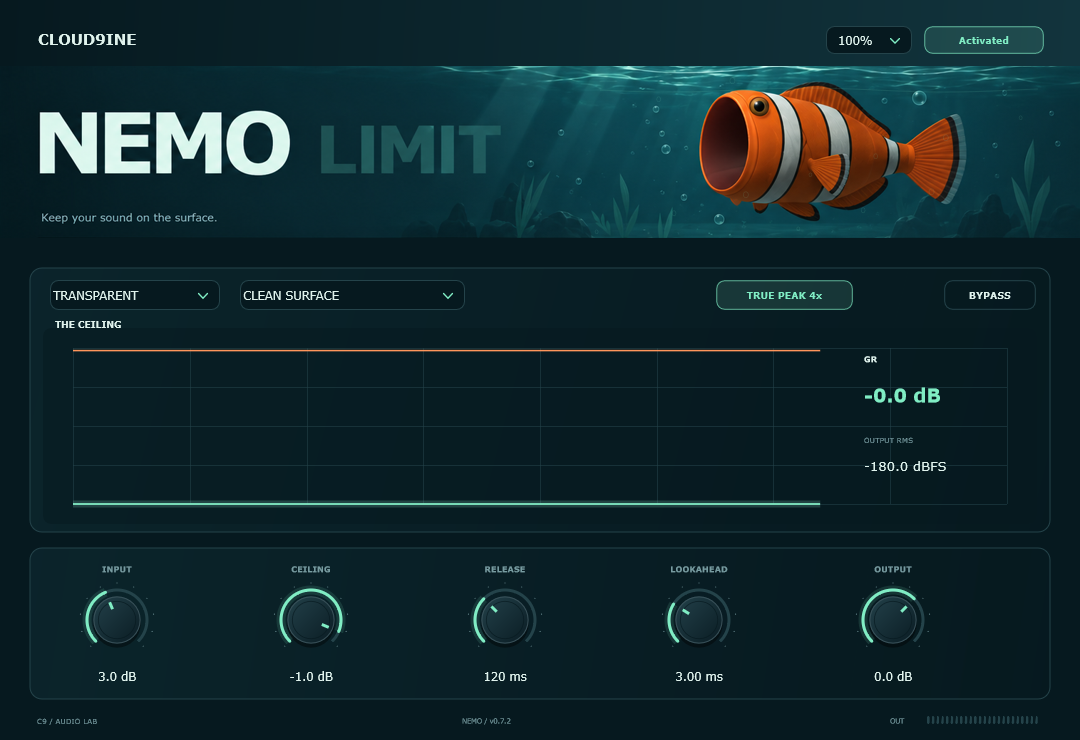
Control peaks and limit output level. Stereo limiter with lookahead, 4× oversampling and an adjustable ceiling.
Lookahead · Ceiling · Release
10 / EFFECT RACK
NEMOTION combines filter, chorus, delay and reverb in nine scenes. Shape their character with Depth, Space and Motion; set the balance with Mix and Output.
Move between underwater worlds, warm rooms and shimmering spaces. Goloka adds a gentle octave shimmer. All factory scenes start with 100% Mix.
Explore the scenes

Actual plugin views. Selecting scenes here changes the image and does not play audio.
LISTEN. WATCH. COMPARE.
Sound preview
Plugin in real time
Music reference: Cloud9ine Live @HSD Düsseldorf
DJ set from May 9, 2025 · excerpt starting at 02:00.
YOUR FILES. YOUR SOUNDBANK.
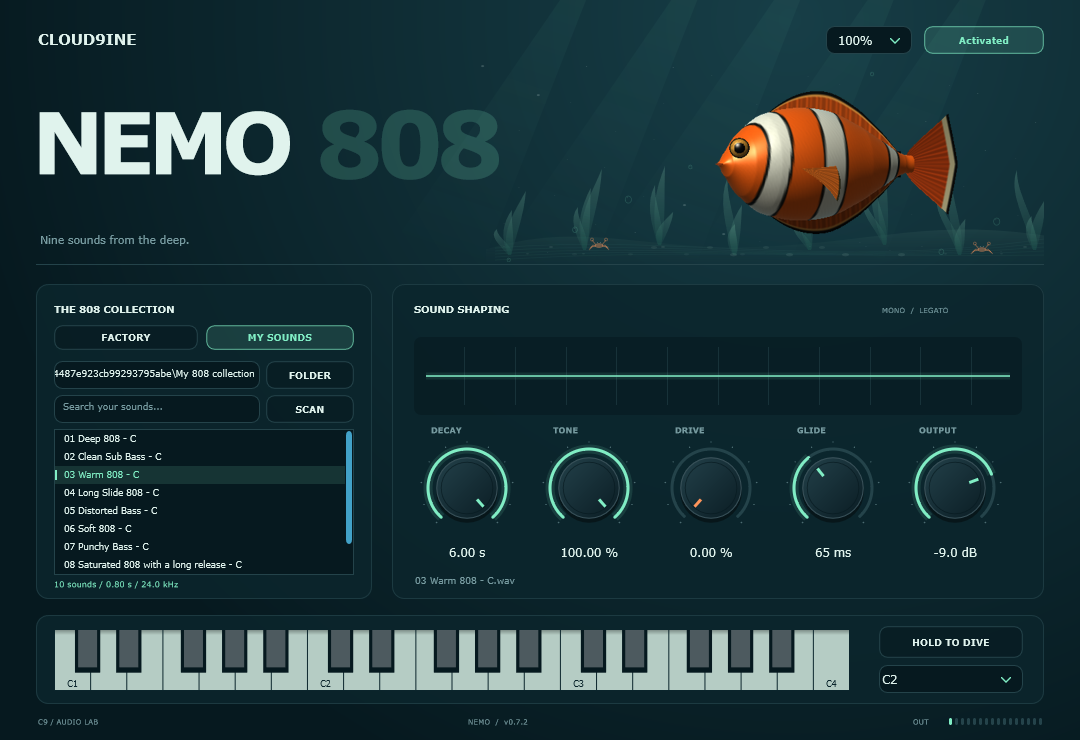
Link your sample folder and play your own 808s directly in NEMO.
Open MY SOUNDS and select FOLDER — or paste your folder path.
SCAN finds WAV and MP3 files with “808” or “bass” in the filename, including subfolders.
Search the list, select a sound and set its root note below HOLD TO DIVE.
The public release is being prepared. You can manage an existing license in your account.
Manage your licenseYOUR STUDIO STAYS YOUR STUDIO
An activated perpetual license keeps working during a server outage. Tester licenses last until their agreed expiry date. Device releases and license revocations take effect at the next online check.